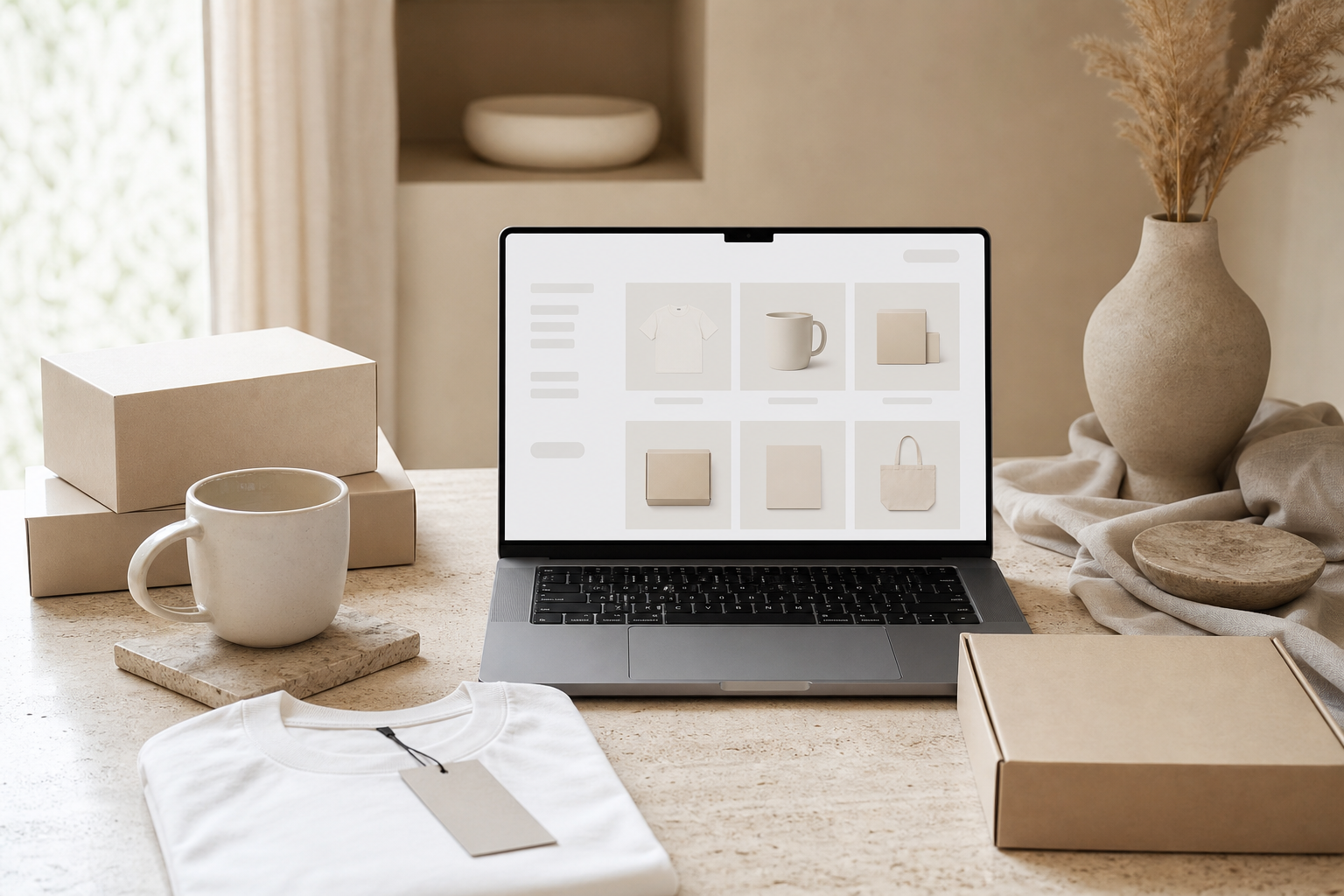
If you sell digital products, print-on-demand items, templates, wall art, planners, SVG files, or handmade goods, your product photos matter almost as much as the product itself. A clear mockup helps shoppers understand what they are buying, imagine how they could use it, and trust that your listing is polished and professional.
That is why product mockup templates are one of the most useful design resources for small business owners and digital sellers. Instead of photographing every item from scratch, you can place your design into a ready-made scene and create clean product previews for Etsy, Shopify, Pinterest, Instagram, or your own website.
Affiliate disclosure: This page may contain affiliate links. If you buy through these links, we may earn a commission at no extra cost to you.
Why product mockup templates are useful
A good mockup does three jobs at once:
- Shows the product clearly — buyers can see the style, size, layout, or use case.
- Creates trust — polished visuals make a small shop look more established.
- Saves time — you can create multiple listing images without staging a photoshoot.
For digital product sellers, mockups are especially helpful because the product itself may not be physical. A printable planner, wall art file, ebook, Canva template, SVG bundle, or digital paper pack needs a visual context. Mockups turn a flat file into something buyers can instantly understand.
What makes a good product mockup template?
Not every mockup is equally useful. Before choosing one, look for these qualities.
1. Clean composition
The mockup should make the product easy to see. Decorative props can help, but they should not distract from the design. For product listings, simple scenes often convert better than crowded images.
2. Editable design area
A strong mockup template should make it easy to insert your own artwork, printable page, logo, pattern, or product design. If the file requires software you do not use, it may slow down your workflow.
3. Style that matches your brand
Choose a visual style that matches your audience. For example:
- minimal beige desk mockups for digital planners;
- bright lifestyle mockups for teacher printables;
- rustic scenes for handmade crafts;
- clean apparel mockups for print-on-demand shirts;
- modern device mockups for Canva templates or digital downloads.
4. Multiple image angles
If you are building a product listing, one mockup is usually not enough. A good set gives you several views: close-up, lifestyle scene, flat lay, detail image, and social media preview.
5. Commercial-use clarity
Always check the license before using a mockup for commercial listings. Creative Fabrica pages usually show license information, but you should still verify the product-level terms before publishing images in a shop or paid campaign.
Best uses for product mockup templates
Etsy digital product listings
Mockups are perfect for printable planners, wall art, invitations, digital paper, SVG bundles, and Canva templates. Instead of uploading a plain PDF screenshot, you can show the file in a realistic setting.
Example mockup ideas:
- printable planner pages on a desk;
- wall art in a frame;
- invitation template on textured paper;
- SVG design on a mug or tote bag;
- digital paper as a styled pattern preview.
Print-on-demand products
If you sell print-on-demand shirts, mugs, tote bags, posters, stickers, or tumblers, mockups help shoppers imagine the final product. You can test several styles without ordering samples for every design.
Good print-on-demand mockups include:
- t-shirt mockups;
- sweatshirt mockups;
- mug mockups;
- tumbler mockups;
- poster and frame mockups;
- tote bag mockups;
- phone case mockups.
Planners and printables
Printable products need context. A planner page looks more valuable when shown inside a weekly planning setup with pens, tabs, a calendar, or a clean workspace.
Useful mockup styles:
- desk flat lay;
- binder or notebook view;
- tablet/digital planner screen;
- printable page stack;
- before-and-after organization scene.
Wall art and posters
Wall art mockups help buyers imagine the print in a real room. For this category, the frame, wall color, room style, and scale matter a lot.
Try mockups for:
- nursery wall art;
- minimalist prints;
- office posters;
- kitchen prints;
- seasonal decor;
- gallery wall sets.
Social media product previews
Mockups are not only for product pages. They also work well for Pinterest pins, Instagram posts, email graphics, and blog images. One strong mockup can become several promotional assets if you crop it into different layouts.
Recommended Creative Fabrica mockup resources
Creative Fabrica has a large library of mockup designs and product mockup templates. For this first MVP page, use category-level links until final affiliate tracking links are added.
| Resource | Best for | Link |
|---|---|---|
| Product Mockups category | broad mockup discovery | Browse product mockups |
| Mockups hub | general mockup designs | Explore mockups |
| Mockup Station designer catalog | large mockup catalog to review | View designer catalog |
Important: before publishing this page publicly, these links now use your Creative Fabrica referral URL.
How to choose the right mockup style
Use this simple decision table:
| Product type | Best mockup style | Why it works |
|---|---|---|
| Printable planner | clean desk, binder, tablet, page stack | shows organization and use case |
| Wall art | framed room mockup | helps buyer imagine decor |
| T-shirt design | apparel mockup with model or flat lay | shows final product clearly |
| Mug design | lifestyle mug scene | gives scale and emotional context |
| Canva template | laptop or phone screen mockup | communicates digital editing/use |
| SVG bundle | finished craft mockup | helps buyer understand what they can make |
| Digital paper | pattern preview or craft flat lay | shows texture and variety |
Quick checklist before using a mockup
Before adding a mockup to your listing or Pinterest pin, check:
- [ ] Does the mockup match the product style?
- [ ] Is the design area easy to read?
- [ ] Is the image high enough resolution?
- [ ] Does the license allow your use case?
- [ ] Does the mockup avoid misleading the buyer?
- [ ] Is your product clearly visible on mobile?
- [ ] Does the image work as a Pinterest vertical graphic?
Pinterest-friendly mockup ideas
For Pinterest, vertical images usually perform better because they take up more space in the feed. A good pin should show the product idea quickly and include simple readable text.
Try these pin concepts:
- “Product Mockup Templates for Sellers” — a clean collage of laptop, mug, t-shirt and poster mockups.
- “Mockup Ideas for Digital Product Shops” — printable planner, wall art and tablet mockups in one visual.
- “Best Mockups for Small Business Listings” — product listing style previews with a clear business angle.
Keep the design simple. The pin should lead people to the page because they want help choosing a mockup, not because the image overpromises.
FAQ
What is a product mockup template?
A product mockup template is a ready-made image or design file that lets you place your own artwork, logo, printable, pattern, or product design into a realistic scene. It helps you show what the final product could look like.
Can I use mockups for Etsy listings?
Yes, many Etsy sellers use mockups for digital products, print-on-demand items, wall art, planners, SVG designs, invitations, and templates. Always make sure the mockup license allows commercial use and avoid misleading buyers about what is included.
What mockup style works best for digital products?
For digital products, clean and simple mockups often work best. Use desk scenes, device screens, printable page stacks, framed wall art, or lifestyle images that make the product easy to understand at a glance.
Do I need Photoshop to use mockup templates?
Not always. Some mockups are made for Photoshop, but others may work with Canva, PNG overlays, online editors, or other design tools. Check the product description before downloading or buying.
Are mockups worth using for print-on-demand products?
Yes. Mockups can help you test product visuals before ordering samples, create listing images faster, and show buyers how a design may look on shirts, mugs, posters, tote bags, or other print-on-demand items.
Final recommendation
If you sell digital products or print-on-demand designs, start with a small set of versatile product mockup templates instead of collecting hundreds of random images. Choose mockups that match your brand, show the product clearly, and can be reused across listings, Pinterest pins, and social media graphics.
Next step: browse product mockup templates on Creative Fabrica, choose 3–5 styles that match your shop, and test them on your best-selling or highest-potential product first.
---
Ready to explore resources?
Use this guide to choose a resource type, then browse Creative Fabrica with the affiliate link below.
Browse Creative Fabrica

