Pinterest guide · Procreate Brush Sets

Best Procreate Brush Sets for Digital Illustration Beginners

Discover Procreate brush set ideas for sketching, lettering, watercolor textures and beginner-friendly digital illustration workflows.

Procreate Brush Sets for Beginners pinBest Brushes for Digital Illustration pinProcreate Brush Ideas to Try pin

Procreate is powerful even with its default brushes, but the right brush set can make digital drawing feel much easier. A good brush pack helps you sketch faster, ink cleaner lines, add texture, paint softer shadows, create lettering effects, or build a consistent illustration style.

If you are new to iPad art, Procreate brush sets can also reduce decision fatigue. Instead of adjusting every brush setting yourself, you can start with a curated set made for a specific purpose: sketching, watercolor, gouache, lettering, texture, stamps, or illustration.

This guide explains which brush categories are worth trying first, how to choose a useful brush set, and where to find downloadable Procreate brushes for creative projects.

Affiliate disclosure: This page may contain affiliate links. If you buy through these links, we may earn a commission at no extra cost to you.

Why Procreate brush sets matter

A brush set is not just a collection of tools. It can change the way your artwork feels. The same sketch can look clean, rough, painterly, soft, textured, or hand-drawn depending on the brush.

Brush sets are useful because they help you:

  • create a consistent visual style;
  • speed up repetitive effects;
  • add realistic paper, paint, pencil, or ink texture;
  • try new art styles without building brushes manually;
  • make lettering and decorative elements faster;
  • build finished illustrations with fewer tools.

For beginners, the goal is not to download hundreds of brushes. The goal is to find a small set that helps you actually finish more artwork.

Brush categories beginners should try

Sketching brushes

Sketching brushes are usually soft, responsive, and slightly textured. They are designed for loose ideas, rough thumbnails, character sketches, composition planning, and early line work.

Look for sketching brushes that feel natural with your Apple Pencil pressure. A good sketch brush should let you draw lightly, build darker lines, and erase or refine easily.

Best for:

  • rough concepts;
  • character poses;
  • thumbnails;
  • layout planning;
  • simple daily drawing practice.

Inking brushes

Inking brushes create clean final lines. Some are smooth and polished, while others have dry, comic, brush-pen, or hand-drawn edges.

A beginner-friendly inking brush should be predictable. If it wobbles too much, has too much texture, or changes thickness unexpectedly, it may be harder to control.

Best for:

  • final line art;
  • stickers;
  • comics;
  • clean illustrations;
  • printable artwork;
  • coloring pages.

Watercolor brushes

Watercolor Procreate brushes try to imitate soft washes, pigment edges, blending, and paper texture. They are great for floral art, loose illustration, wedding graphics, nature sketches, and gentle background effects.

Watercolor brushes often work best when paired with a paper texture layer. Without texture, the result may look too smooth or digital.

Best for:

  • botanical illustration;
  • soft backgrounds;
  • nursery art;
  • greeting cards;
  • printable wall art;
  • gentle texture overlays.

Gouache and paint brushes

Gouache, acrylic, and paint-style brushes help create a more opaque, painterly look. They are useful if you want bold shapes, visible brush strokes, and layered color.

These brushes are especially good for stylized illustration, children’s art, editorial graphics, and warm handmade-looking designs.

Best for:

  • colorful illustrations;
  • children’s book style art;
  • bold shapes;
  • textured posters;
  • expressive digital painting.

Texture and stamp brushes

Texture brushes add grain, paper, fabric, noise, dots, scratches, foliage, stars, clouds, or other repeated effects. Stamp brushes place a shape instantly, which can save time when creating patterns or decorative elements.

Stamp brushes are useful, but they can make artwork look generic if overused. Use them as accents, not as the whole illustration.

Best for:

  • backgrounds;
  • pattern design;
  • foliage and flowers;
  • texture overlays;
  • decorative borders;
  • fast composition building.

Lettering brushes

Lettering brushes are designed for smooth strokes, pressure-sensitive curves, calligraphy, brush lettering, monoline lettering, and decorative word art.

If you want to create quotes, planner stickers, greeting cards, logos, or Pinterest graphics, a small lettering brush set can be very useful.

Best for:

  • quote art;
  • greeting cards;
  • planner stickers;
  • social media graphics;
  • logo concepts;
  • handmade typography.

How to choose the right Procreate brush set

Before downloading a brush pack, ask these questions.

1. What kind of art do you want to make?

A watercolor set is great for soft florals, but not ideal for crisp comic line art. A lettering brush is useful for quotes, but not enough for full digital painting. Choose brushes based on the artwork you want to create this month, not a vague future style.

2. Does the set include brushes you will actually use?

A huge bundle can be valuable, but beginners often do better with a focused set. Ten useful brushes are better than 500 brushes you never open.

3. Are the brushes compatible with Procreate?

Check the product description. Some brush resources may also support Photoshop or Illustrator, but if your workflow is Procreate, the listing should clearly mention Procreate or .brushset compatibility.

4. Is there a commercial-use license?

If you plan to sell artwork, stickers, printables, designs, or digital products made with the brushes, check the license. The brush file itself and the artwork you create with it may have different usage rules depending on the product.

5. Does the style match your brand?

If you sell soft nursery wall art, you may want gentle watercolor or pencil brushes. If you create bold printable stickers, you may need clean inking and texture brushes. Pick brushes that support your commercial direction.

Creative Fabrica has Procreate brush tags, brush categories, and individual brush bundles. For this MVP page, use the links below as resource targets, then verify tracking in your Creative Fabrica dashboard after publication.

ResourceBest forLink
Procreate Brushes tagProcreate-specific brush discoveryBrowse Procreate brushes
650 Procreate Brushes Mega Bundlelarge all-in-one brush pack exampleView Procreate mega bundle
Graphic Brushes categorybroader brush/add-on discoveryBrowse graphic brushes

Important: verify compatibility and license details on each product page before recommending it in a final published version.

Simple beginner workflow

If you are not sure how to use a new brush set, try this workflow:

  1. Open a blank canvas in Procreate.
  2. Create a swatch page with every brush in the set.
  3. Label your favorites: sketch, line, texture, fill, detail.
  4. Choose only 3–5 brushes for one finished drawing.
  5. Sketch with one brush instead of switching constantly.
  6. Ink or refine with a cleaner brush.
  7. Add texture last so the artwork does not become muddy.
  8. Save a mini brush toolkit for future projects.

This helps you learn the brush set instead of getting overwhelmed by it.

Best brush combinations for common projects

Project typeBrush combinationWhy it works
Printable wall artsketch + watercolor + paper texturesoft handmade look
Stickerssketch + clean inking + textureclear shapes with personality
Greeting cardslettering + floral stamps + watercolordecorative and giftable
Coloring pagessketch + smooth inkingclean printable lines
Digital portraitspencil sketch + painterly brush + soft blendernatural layered finish
Pinterest graphicslettering + texture + decorative stampsfast visual impact

Common beginner mistakes

Downloading too many brush sets

More brushes do not automatically make better art. Too many choices can slow you down. Start with a focused set and learn it well.

Using texture too early

Texture is powerful, but if you add it before the shapes and values are clear, the artwork can look messy. Build the main illustration first, then add texture.

Ignoring licensing

If you create personal artwork, licensing may be simple. If you sell commercial products, check the license carefully before using brushes in a paid product workflow.

Expecting brushes to replace practice

Brushes can improve speed and style, but they do not replace drawing fundamentals. Use brush sets as tools, not as shortcuts around composition, color, and shape.

Pinterest-friendly Procreate image ideas

Procreate content works well on Pinterest because users love visual examples, tutorials, brush tests, and before/after artwork.

Try these pin concepts:

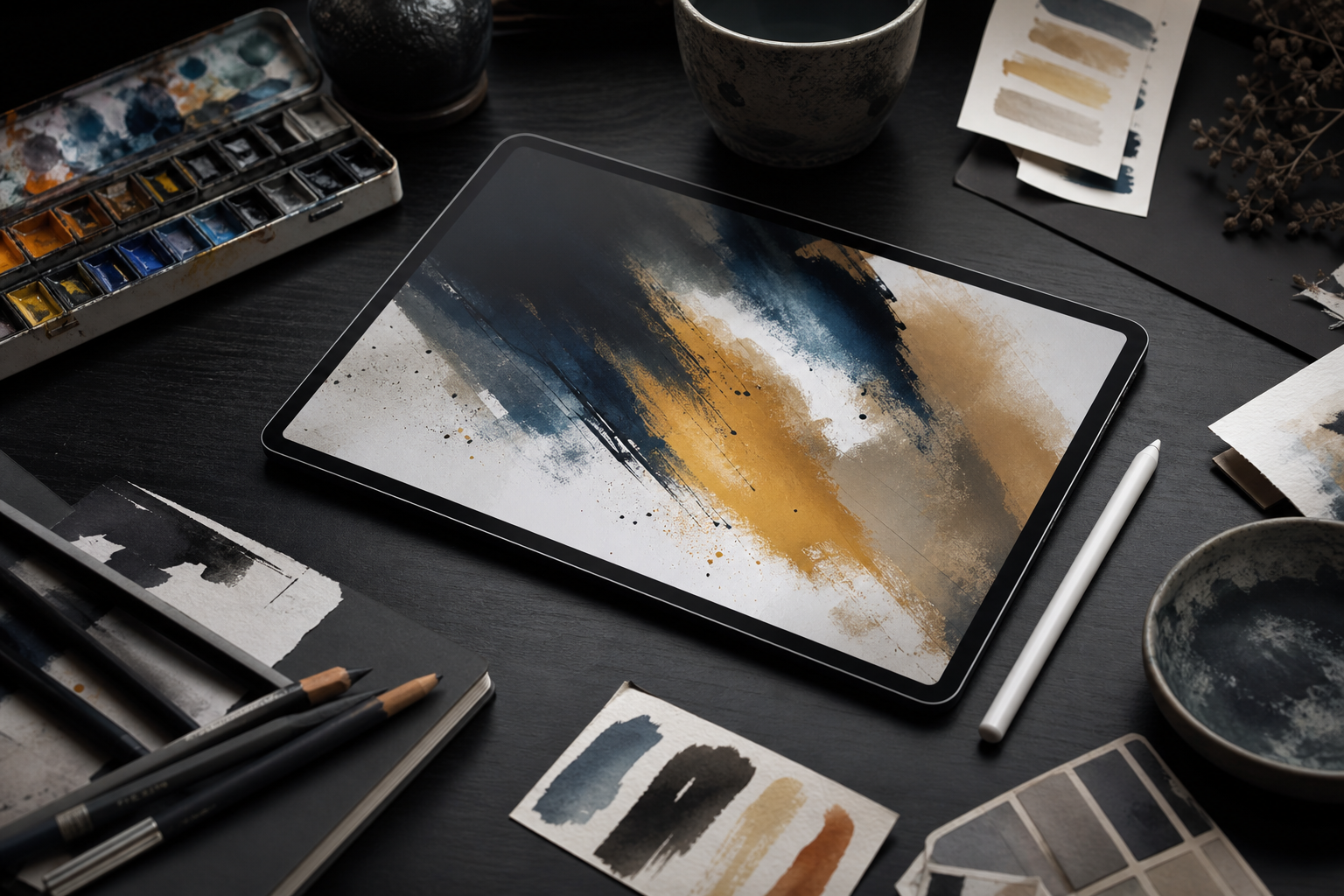
  1. “Procreate Brush Sets for Beginners” — an iPad screen with brush strokes, swatches, and simple artwork.
  2. “Best Brushes for Digital Illustration” — a clean desk scene with stylus, colorful samples, and labeled brush types.
  3. “Procreate Brush Ideas to Try” — a grid of brush samples labeled sketch, ink, watercolor, texture, and lettering.

Keep the text readable and avoid clutter. The pin should clearly communicate that the page helps users choose brush sets, not just admire artwork.

FAQ

How do I install Procreate brushes?

Usually, you download the brush file to your iPad, open it, and import it into Procreate. Many Procreate brush sets use .brushset files. Always follow the instructions included with the product.

What brush set should beginners start with?

Beginners should start with a small set that includes a sketch brush, a clean inking brush, a texture brush, and one paint or watercolor brush. This is enough to complete many simple illustrations.

Are stamp brushes useful?

Yes, stamp brushes can save time for decorative elements, patterns, florals, stars, foliage, or texture. Use them as accents so your artwork still feels original.

Can Procreate brushes be used for commercial work?

It depends on the brush license. Many resources allow commercial artwork use, but you should always check the product terms before selling artwork, stickers, templates, or printables made with the brushes.

How many brushes do I really need?

For most beginner projects, 3–5 reliable brushes are enough: one sketch brush, one inking brush, one coloring or paint brush, one texture brush, and optionally one lettering or stamp brush.

Final recommendation

If you are just starting with Procreate, choose one focused brush set and make a test page before buying or downloading more. Look for brushes that support the exact type of art you want to create: printable wall art, stickers, lettering, digital portraits, patterns, or Pinterest graphics.

Next step: browse Procreate brush sets on Creative Fabrica, choose one beginner-friendly set, and make a swatch page so you can quickly see which brushes fit your style.

---

Ready to explore resources?

Use this guide to choose a resource type, then browse Creative Fabrica with the affiliate link below.

Browse Creative Fabrica